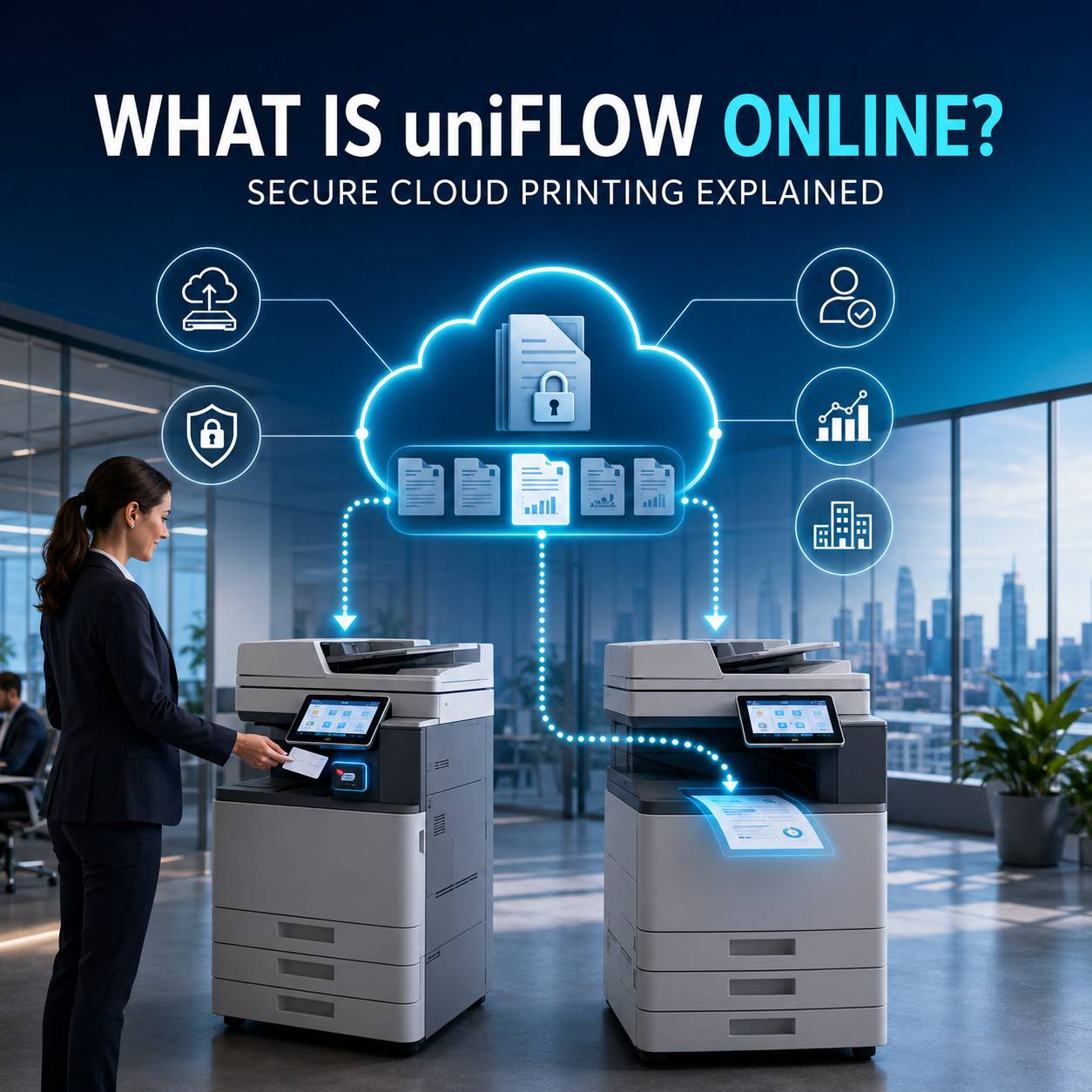
Cloud print management explained
What Is uniFLOW Online? A Guide to Secure Cloud Printing
Learn how uniFLOW Online manages printing, scanning, user access and cost reporting through the cloud, and what to check before introducing it to your organisation.
Last reviewed:
What is uniFLOW Online?
uniFLOW Online is a cloud-based print and scan management platform developed by NT-ware, part of the Canon Group. It helps organisations control access to compatible printers, hold documents for secure release, track usage and costs, manage scan workflows and administer printing across users, devices and locations.
The simplest way to understand it is to separate printing the document from managing the whole process. A normal cloud-printing function may send a file to a printer. uniFLOW Online can also identify the user, decide what that person is allowed to do, hold the job until it is released, record the activity and apply agreed rules or cost centres.
This makes it a potential fit for London offices, schools, professional services firms and multi-site organisations that want greater document control without operating a dedicated on-premises uniFLOW print server. The exact functions available depend on the subscription, device, operating system, identity service and chosen print path.
Cloud printing and cloud print management are not the same thing
Cloud printing describes a route for submitting a print job through a cloud service. Cloud print management is broader: it governs users, permissions, queues, release methods, reporting, budgets, scanning and administration around that job.
| Question | Basic cloud printing | Cloud print management with uniFLOW Online |
|---|---|---|
| Can a user submit a document remotely? | Often, depending on the service. | Yes, through supported routes that can include desktop, mobile, web, email, cloud storage or Microsoft Universal Print. |
| Can the job be held until the user arrives? | Not necessarily. | Secure queues can hold work until the user identifies at a compatible device. |
| Can printing follow the user? | Usually tied to a selected printer. | My Print Anywhere can allow release at an eligible printer selected by the user. |
| Can usage be reported? | May provide only limited job information. | Reporting can cover print, copy, scan and fax activity by user, device, department or cost centre where configured. |
| Can access and costs be controlled? | Often limited. | Administrators can apply suitable permissions, budgets, charging rules and function restrictions. |
How does uniFLOW Online work?
A secure print-release workflow usually follows five stages. The actual route and storage location should be designed around the organisation's security policy, devices and users rather than assumed from a generic diagram.
1. Submit
The user sends a job
A document enters an approved queue through a supported desktop, mobile, browser, email or cloud-print route.
2. Hold
The job waits securely
Instead of printing immediately, the job can remain in a secure queue using the configured local or cloud storage path.
3. Identify
The user authenticates
At the device, the user can identify using a configured method such as a PIN, proximity card or supported identity workflow.
4. Release
The user selects the work
The user reviews eligible queued jobs and releases or deletes them at a compatible printer.
5. Account
Activity is recorded
The platform can record usage for reporting, budgeting and cost allocation according to the organisation's configuration.
Organisations primarily concerned about confidential pages being left in output trays can also review our guide to secure printing solutions for London offices .
What can uniFLOW Online do?
uniFLOW Online is modular, so a useful capability list must be read with one qualification: not every function is included in every subscription or available on every printer. Compatibility and licensing should be checked before a proposal is approved.
Secure printing and user identification
Jobs can be held for authenticated release, helping prevent confidential or expensive documents from printing unattended. Access to device functions can also be managed for suitable users and groups.
Print accounting and cost tracking
Usage can be attributed to users, devices, departments or cost centres. Reports can support budgeting, internal allocation and decisions about an oversized or underused print fleet.
Cloud-connected scanning
Configured scan profiles can route documents to supported services such as email, OneDrive, SharePoint Online, Microsoft Teams or Google Drive. Advanced processing depends on the subscription.
Mobile, guest and hybrid printing
Supported mobile and guest submission methods can give authorised visitors and hybrid staff a controlled way to print without providing unrestricted access to an office device.
Microsoft integration
uniFLOW Online can work with Microsoft 365 identity services, Entra ID and Microsoft Universal Print in supported configurations. It can also connect print and scan workflows to selected Microsoft cloud destinations.
Central device and location administration
Suitable devices and user policies can be administered across multiple locations, helping organisations standardise core controls while retaining necessary site-specific settings.
Does uniFLOW Online remove the need for a print server?
uniFLOW Online does not require a dedicated local uniFLOW management server. That can reduce server procurement, patching, backup and maintenance work compared with a traditional on-premises deployment. It can be especially useful when an organisation is reducing local infrastructure or managing several smaller sites.
However, “serverless” should not be interpreted as “nothing is installed or configured locally”. Depending on the chosen workflow, users may need a client, application, printer configuration or driver, and print jobs may use local or cloud storage. A Microsoft Universal Print design can provide a different client and connector model from a SmartClient-based deployment.
The important question is not whether a brochure uses the word serverless. It is where identities, print jobs and configuration data are processed in the proposed design, and which local components remain necessary for each user group.
Security benefits and responsibilities
Secure release can reduce the everyday risk of confidential pages being left in a shared printer tray. Authentication can restrict who accesses a device or function, while audit and accounting records can improve visibility. These controls can be valuable in legal, education, HR, finance and shared-office environments.
NT-ware states that uniFLOW Online is hosted on Microsoft Azure and reports certifications including ISO/IEC 27001:2022 and ISO/IEC 27017:2015, alongside a SOC 2 Type 2 audit. Those are relevant supplier assurances, but adopting certified software does not automatically make a customer compliant with UK GDPR or its own regulatory duties.
The customer still needs appropriate identity controls, access reviews, device hardening, retention decisions, staff guidance, incident procedures and a documented lawful approach to personal data. Security also depends on correct setup: an unrestricted guest route or badly designed release policy can undermine the benefits of the platform.
Who is uniFLOW Online suitable for?
uniFLOW Online is not limited to one industry or organisation size. Suitability is driven by the required controls, existing fleet, identity platform, scan workflows and support model.
London offices and professional services
Shared printers, confidential client documents and a need for user-level accountability can make authenticated release and reporting useful.
Schools and education groups
Staff and pupil permissions, department budgets and central administration can help schools manage access and reduce avoidable output.
Law firms and document-heavy teams
Secure release can help keep client papers from sitting unattended, while accounting may improve visibility across users, teams and offices.
Multi-site organisations
Central policies and location-aware administration can simplify management where compatible devices are distributed across offices or branches.
Hybrid workforces
Approved remote and mobile submission routes can support people who move between home, client sites and different offices.
Organisations reviewing their print fleet
Usage data and workflow discovery can support wider printer fleet management and device right-sizing decisions.
Industry-specific considerations are covered in our guides to managed print services for schools and managed print services for law firms .
Questions to ask before implementing uniFLOW Online
A product demonstration is useful, but a deployment should begin with the organisation's real print and scan requirements. Use these questions to turn features into a workable specification.
- Which Canon and non-Canon devices are already installed, and which exact models support the required embedded functions?
- How will staff, visitors and shared accounts identify themselves?
- Which users need secure release, direct printing, mobile printing or guest printing?
- Should jobs be stored locally or in the cloud, and for how long?
- Which scan destinations, metadata fields, formats and approval controls are required?
- What reports, budgets, charging rates or cost centres will the finance and IT teams actually use?
- Which subscription and additional Microsoft licences are needed?
- Who will configure, test, train, support and periodically review the service?
A wider print audit can help establish device usage, costs and workflows before software or replacement hardware is selected.
uniFLOW Online or PaperCut?
Both product families can support secure printing, authentication, reporting and cost control, but they should not be compared as if each had only one fixed deployment model.
uniFLOW Online is a hosted cloud platform with particularly close integration across supported Canon devices and cloud-connected print and scan workflows. PaperCut MF is commonly deployed with extensive on-premises or hosted configuration options, while PaperCut Hive is a cloud-native product. Device mix, scan requirements, identity systems, hosting policy, current licences and support capability can all change the right answer.
Avoid choosing solely from a headline feature list. Compare the exact functions available on your actual printers and test the daily user experience. For more detail, see our PaperCut print management service or review the commercial uniFLOW Online cloud print management service .
How much does uniFLOW Online cost?
There is no responsible universal price for a uniFLOW Online deployment. Cost can vary with the chosen subscription, number and type of devices, required print and scan features, user-identification method, Microsoft services, configuration work, training and ongoing support.
A useful quotation should explain what is licensed, which devices and users are covered, what implementation work is included and who supports the service after launch. If new equipment is needed, compare software and implementation costs alongside suitable Canon office printers and multifunction devices , rather than treating each item as an unrelated purchase.
Frequently asked questions
uniFLOW Online is a cloud-based print and scan management platform. It can manage user access, secure print release, cost tracking, reporting, scan workflows and suitable devices without requiring a dedicated local uniFLOW server.
A job can be held in a secure queue instead of printing immediately. The user identifies at a compatible device, reviews the queued work and releases or deletes the selected job. The storage and authentication method depend on the configuration.
No dedicated local uniFLOW management server is required. However, a deployment may still use local clients, printer configuration, drivers or local job storage depending on the selected print path.
Mixed-fleet support is available, but integration depth varies. Canon devices can use closely integrated embedded applications, while selected non-Canon workflows may use a supported applet or release-station method. Every model and required function should be checked before rollout.
Yes, supported configurations can use Microsoft 365 and Entra ID for identity integration. uniFLOW Online can also connect with Microsoft Universal Print and selected Microsoft cloud print and scan destinations.
It provides controls such as authentication, secure release, access restrictions and audit reporting, and NT-ware publishes cloud-security and compliance information. Security still depends on correct configuration, identity management, device controls and the customer's operational processes.
uniFLOW Online is the subscription platform with broader cloud print, scan, accounting and workflow capabilities. uniFLOW Online Express is a more limited entry-level service available with compatible Canon devices. Features should be compared against the current official product matrix.
Neither platform is universally better. The right choice depends on the printer fleet, Canon integration needs, preferred hosting model, identity platform, scan workflows, reporting requirements and available implementation support.
Is uniFLOW Online right for your print environment?
Review your devices, users, print paths, scan destinations and support requirements before choosing a subscription or replacing equipment.