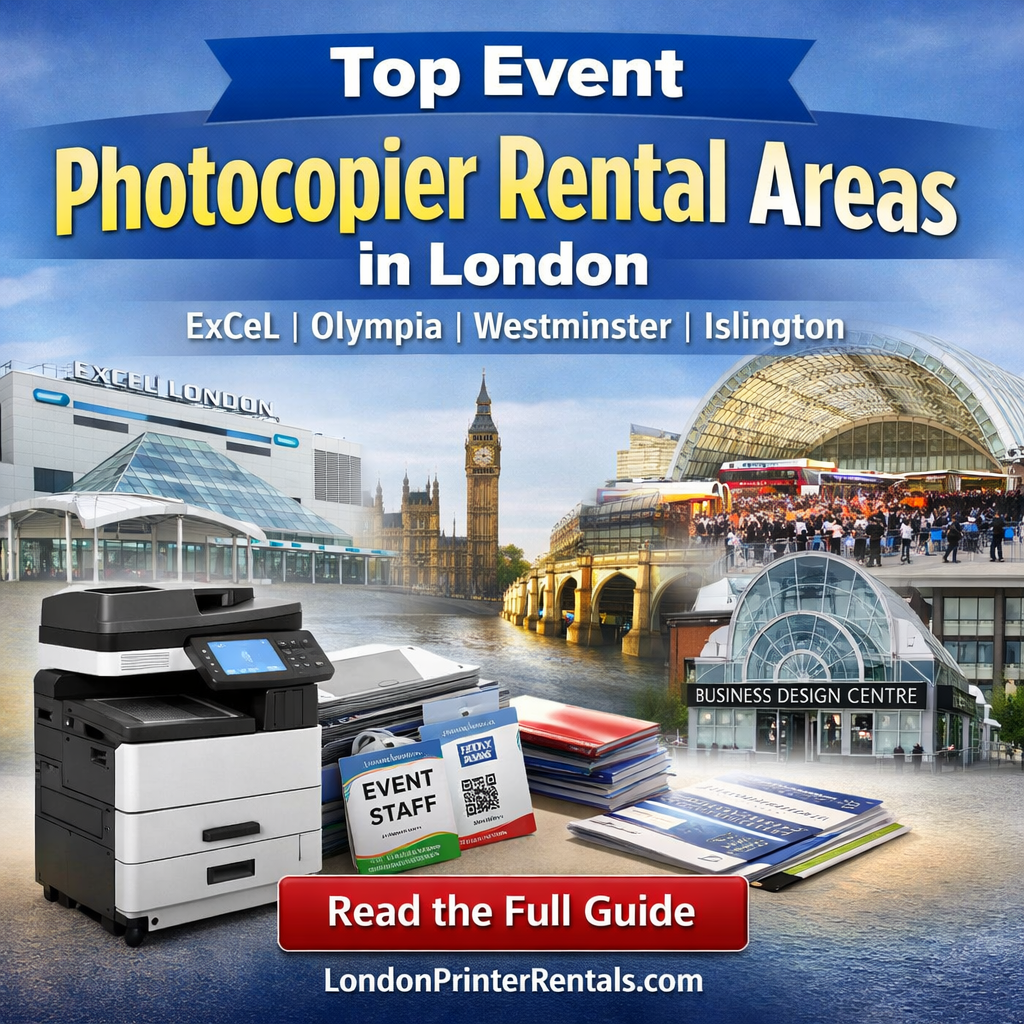
Tier 1 London Event Districts That Drive Photocopier & Printer Rental Demand
This guide focuses on four Tier 1 event hotspots—ExCeL London (Royal Docks, E16), Olympia (W14), Westminster (SW1) and Islington (N1). You’ll learn what typically gets printed on-site, what equipment event teams rent most, and how to plan a reliable “event print room” that keeps registration, production, and operations running smoothly. For a quick overview of our core offering, see Photocopier & Printer Rental or our dedicated guide to short-term event rentals for exhibitions & shows.
What event teams print on-site (and why it matters)
Even with great pre-event planning, printing needs change on the day. Speakers miss flights, sessions move rooms, exhibitor lists update, QR codes change, sponsors request last-minute inserts, and registration surges create badge issues. Having a business-grade device on-site is the difference between “we’ll email it later” and “we fixed it in five minutes”.
- Registration & badges: reprints, name corrections, QR codes, lanyard cards
- Agendas & schedules: room changes, speaker swaps, late additions
- Exhibitor support: product sheets, price lists, order forms, QR posters
- Ops documents: staff rotas, floor plans, delivery notes, incident logs
- Signage: directional signs, “sold out” notices, compliance notices
- Scanning: contracts, completed forms, invoices, NDAs, attendance sheets
Why Tier 1 districts generate the most event photocopier rental
Tier 1 areas combine high venue density with large delegate volumes and tight change windows. In practical terms, that means:
- Higher print volatility: more reprints and updates per hour
- Multiple stakeholders: organisers, exhibitors, contractors, venues, sponsors
- Short access windows: timed deliveries, build-up and breakdown schedules
- Critical reliability: registration can’t pause for a desktop printer jam
That’s why event organisers commonly choose photocopier rental or printers to rent instead of buying: you get the performance you need for the event, with the flexibility to return or scale after.
The 3 most common event rental setups (choose your “print room”)
Most events fall into one of these patterns. If you pick the right setup, you reduce queues, prevent bottlenecks, and avoid the “one device doing everything” trap.
1) Registration & admin hub (fast + simple)
Best for: conferences with heavy attendee throughput, badge reprints, constant small jobs.
- Fast A4 mono/colour printing
- Reliable scanning (to email/USB or to a shared folder)
- Simple finishing (staple) for quick handouts
2) Exhibitor support station (customer-facing)
Best for: exhibitions and trade shows where exhibitors need rapid reprints (product sheets, QR posters, order forms).
- Colour output for marketing materials
- Optional A3 capability for posters / floor signage
- Duplex printing to reduce paper consumption
3) Back-office production (high volume + finishing)
Best for: delegate packs, session handouts, multi-page booklets, and reprinting in bulk.
- High duty cycle and higher paper capacity
- Finishing options (staple/stack; booklet finishing if required)
- Separate device recommended if registration is busy
Tier 1 area breakdown: where the demand comes from
1) ExCeL London & the Royal Docks (Newham, E16)
The Royal Docks / Custom House area is one of London’s busiest exhibition and conference hubs. Events here are typically large-scale, with high exhibitor counts and tight build schedules—exactly the conditions that create intensive on-site printing needs.
Common on-site print needs:
- Exhibitor packs, stand signage, price lists, product sheets
- Registration reprints (badges, QR codes), walk-in paperwork
- Operations: floor plans, delivery notes, contractor briefings
If you’re planning an ExCeL-based show, start with our short-term event photocopier & printer rental options and tell us your access window, print volumes, and whether you need A3 colour.
2) Olympia & West Kensington (W14)
Olympia and the surrounding West Kensington area frequently host trade shows, consumer exhibitions and industry events. This area is known for packed show days, where exhibitors and organisers often need rapid print support for updates, marketing collateral and compliance materials.
Common on-site print needs:
- Marketing leaflets and product sheets (often colour)
- Last-minute signage and directional notices
- Staff rotas, event manuals and contractor instructions
For flexible London setups, see Printer Rental London and choose a configuration that matches your visitor flow and exhibitor support load.
3) Westminster & Whitehall (SW1)
Westminster is synonymous with conferences, government-adjacent events, policy forums, and high-profile meetings. These events often have document-heavy requirements—briefing packs, controlled distribution, attendee lists, and scanning workflows.
Common on-site print needs:
- Agenda updates, speaker packs and delegate materials
- Secure printing or controlled access for sensitive content
- Fast scanning of signed documents and completed forms
If you need added control and reduced downtime, consider pairing photocopier rental with a managed setup—especially if multiple teams need shared access.
4) Islington (Angel / N1) – Business Design Centre zone
The Angel/Islington area attracts exhibitions, fairs and business events that often blend consumer and trade audiences. Event teams here commonly need a versatile device: quick admin printing plus colour collateral, plus scanning for paperwork and exhibitor documentation.
Common on-site print needs:
- Badges, schedules and updated session boards
- Exhibitor printing: price lists, forms, QR posters
- Scan workflows for registrations, contracts and invoices
If your event has multiple “mini hubs” (registration + exhibitor support), we’ll often recommend two devices: one for admin, one for production—see Printers to Rent for flexible options.
Event photocopier rental planning checklist (copy/paste for your team)
Use this checklist to prevent the common pain points: queues at registration, slow reprints, connectivity issues, and unexpected paper/finishing needs.
- Dates & access: event dates, build-up/breakdown times, delivery windows
- Volumes: estimated pages/day, peaks (e.g., morning registration, lunch sessions)
- Colour vs mono: which documents must be colour, which can be mono
- Paper sizes: A4 only vs A3 for signage, posters, or floor plans
- Finishing: staple/hole-punch/booklet (delegate packs change the spec)
- Connectivity: Wi-Fi vs Ethernet, guest network limitations, print drivers
- Scan workflow: scan-to-email/USB/shared folder, naming conventions
- Redundancy: second device for registration or a backup plan for peak hours
Why event organisers use London Printer Rentals
Events don’t have time for printer drama. Our service is built around reliability and flexibility—ideal when your print demand is temporary but mission critical.
- Short-term and flexible contracts (ideal for exhibitions, conferences and pop-ups)
- All-inclusive support with servicing and toner assistance
- Premium brands only and business-grade devices
- Price match guarantee and transparent quoting
- Eco-friendly pledge to reduce waste where possible
- 60-day cancellation policy for longer arrangements where plans change
If you’re comparing options, start with Photocopier & Printer Rental and our London-specific guide to printer rental in London.
FAQs: event photocopier & printer rental in Tier 1 London districts
For most events, choose a business-grade multifunction photocopier (print/copy/scan) with fast A4 output and optional A3 colour. Add finishing (staple/holes/booklet) if you’re producing packs. For busy events, consider two devices: one dedicated to registration/admin and one for back-office production.
Delivery speed depends on stock, access times and on-site logistics. We can typically arrange fast delivery and setup across London—share your venue, dates, access window and expected volume and we’ll recommend the best setup and timeline.
Yes. Our rental packages are designed to be hassle-free, including servicing and toner support—so your team can stay focused on registration, exhibitors and operations.
If registration is busy and you also need production printing, two devices is often safer. It reduces queues and provides redundancy if volumes spike. We’ll advise based on your floorplan and peak demand periods.
Yes. If you need secure release printing (PIN/ID), permissions for staff vs contractors, or a managed workflow, we can help configure a secure setup. Tell us how many users and what level of control you need.
Venue/location, dates and access times, estimated volume, colour vs mono, A3/finishing requirements, connectivity (Wi-Fi/Ethernet), and scan requirements. If you can share your rough floorplan or where the print room will sit, we can recommend the most reliable setup.
Conclusion
If your event is happening near ExCeL (E16), Olympia (W14), Westminster (SW1), or Islington (N1), you’re operating in London’s Tier 1 event zones—areas where last-minute print demand is normal, not exceptional. The winning approach is simple: pick a reliable business-grade device (or two), plan your peak print moments, and build a workflow that keeps registration and operations moving. When you’re ready, explore event photocopier & printer rental and we’ll help you match the right equipment to your venue, schedule and volume.